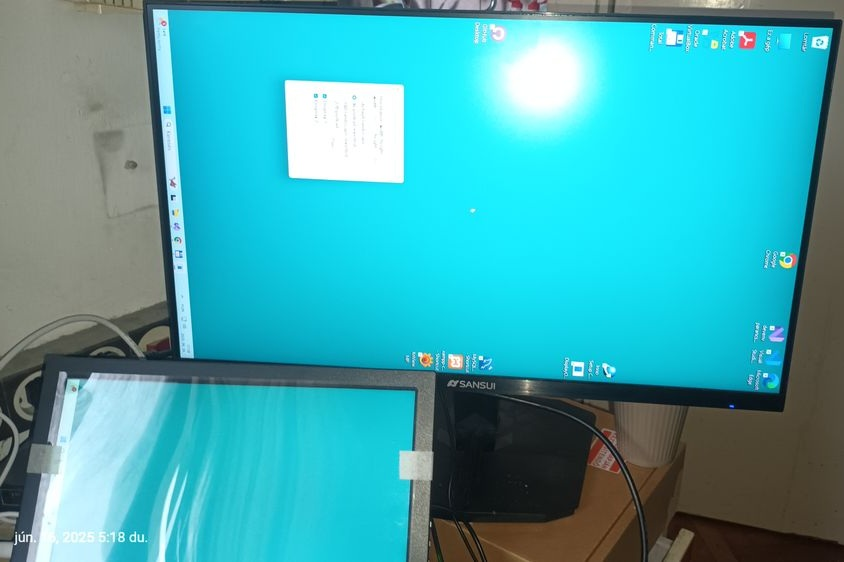
Windows Display Orientation Desktop.
Nehézkes a Windows Deaktop esetén a képernyő horizontal / vertical módjának az állítása, ezért készült a program.
Windows .NET Framework 4.8
Instantly flip screen orientation horizontal / vertical with a GUI command.
Because switching between landscape and portrait mode using Display settings on windows takes too many clicks.
Works with multiple monitors and all display orientation modes (landscape, landscape inverted, portrait, portrait inverted).
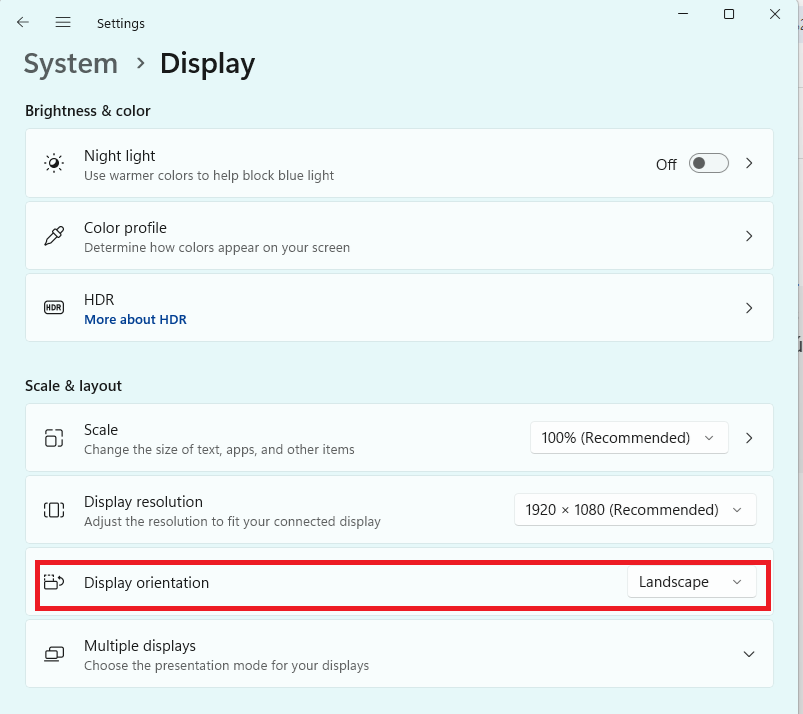
Preview oroginal Windows 11 Desktop -> System -> Display
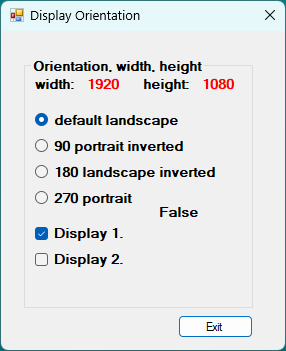
Program képe:
4 arguments függvény argumentum kell:
RotateDisplay.cs:
Running(uint deviceID_a, uint rotateMode_a, ref int width_a, ref int height_a) { ... };
- argument 1 : deviceID_a (0: first main screen, 1: second screen, 2: third etc.)
- argument 2 : rotateMode_a rotation (0: default landscape, 90: portrait inverted, 180: landscape inverted, 270: portrait)
- argument 3 : get Width width_a
- argument 4 : get Height height_a
hotkeys :
Billentyűk:
ESC key : exit
F2 key : back to default landscape
.NET Framework 4.8 redistributable :
NET4.8
notes : - doesn't need to be run as admin
- rotation can only be set to 4 available values (0, 90, 180, 270), any other value won't work.
- can't set screen xy position in relation to other screens as possible with Display settings menu.
Forráskód:
github
0 degrees:
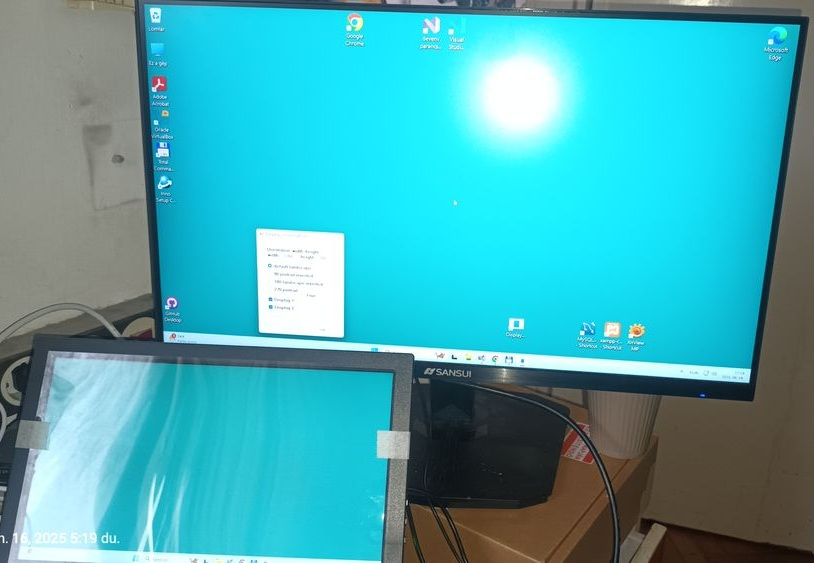
90 degrees:
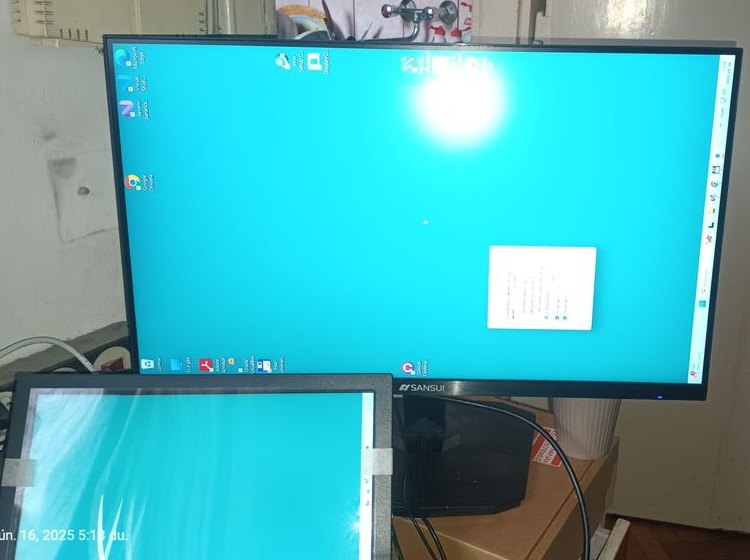
180 degrees:
270 degrees: