
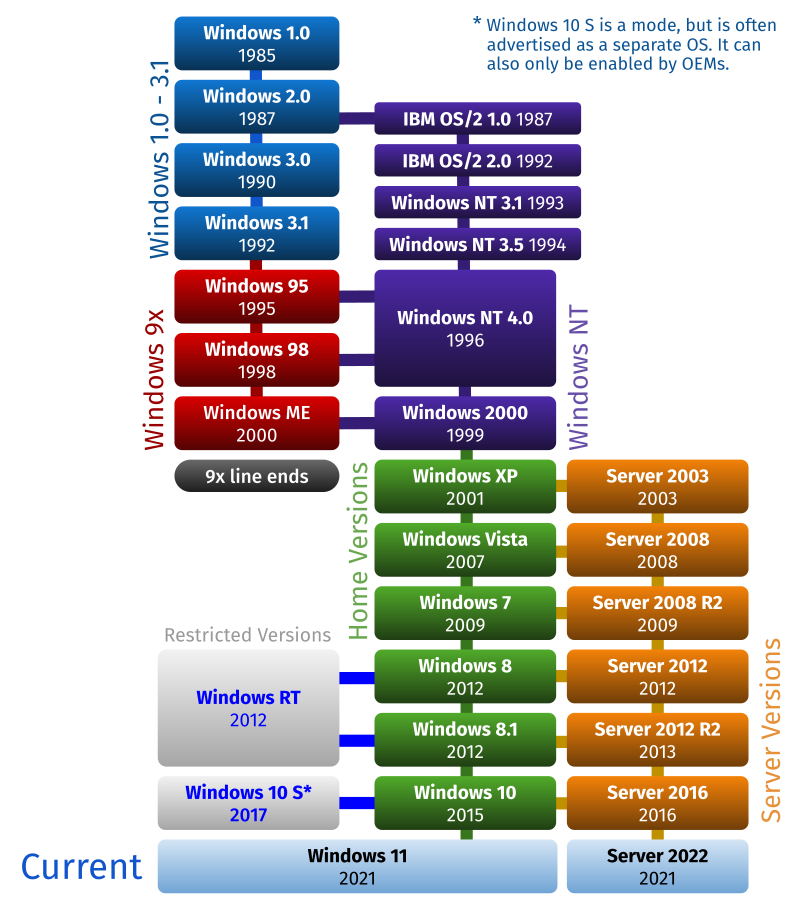
Windows Operating System list of products list
Archívum: May 2025
Install Uno (WPF) C# on Rpbb5
WPF Windows Presentation Foundation. Uno C# modern framework rendszere.
Uno egy muliplatform-os WPF változata, Open-source framework.
Platformok amin futnak uno programok, és fejleszthető kódbázisok :
windows desktop, android, ios mobil, linux, macOs, web, embedded iot rendszerek.
Uno framework
Felraktam Visual Studi Code-t, és a .NET 9.0 rendszert a blog szerint és a link szerint:
Getting Started with Uno Platform and the Raspberry Pi
A végén futtattam a
shell uno-chek
parancsot
Lépésaek:
Install and run uno-check
1.) Make sure you have the dotnet SDK installed. Blogban olvasható.
2.) Open a command-line prompt. If you're on Windows, you can run Windows Terminal if you have it installed, or else Command Prompt or Windows Powershell from the Start menu. If you're on Mac, you can run the Terminal.
3.) Install the tool by running the following command from the command prompt:.
shell dotnet tool install -g uno.check
To update the tool, if you already have an existing one:.
shell dotnet tool update -g uno.check
4.) Run the tool from the command prompt with the following command:
shell uno-check
For additional options, see below.
5.) If you get any errors or warnings, run the provided fix, or follow the provided instructions. Run uno-check again to verify that the fixes worked.
6.) Once uno-check gives you the green light, you can get started:
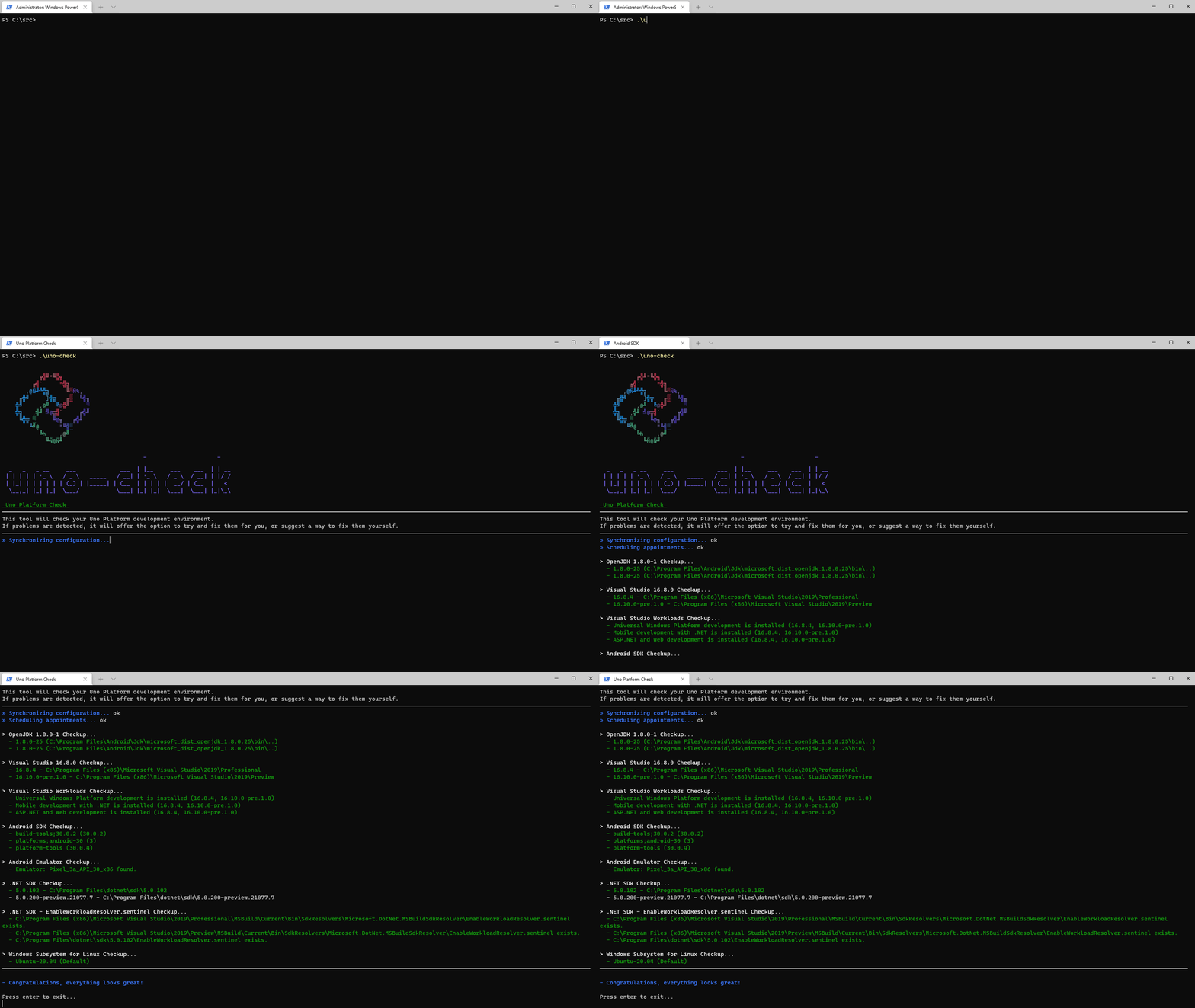
Próbálkozások után a végső megoldás ez lett:
.\uno-check --verbose –-logfile unolog --skip openjdk --skip androidsdk –skip androidemulator --dev
--nuget-sources --dotnet-version --dotnet-pre true